
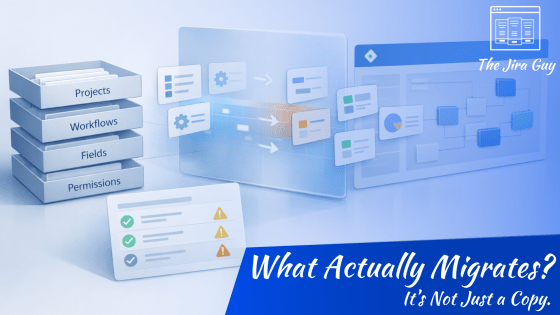
Most Jira migrations don’t go sideways because the tool fails.
They go sideways because expectations were wrong.
There’s a persistent assumption that the Jira Cloud Migration Assistant simply copies your instance from Data Center into Cloud. Same structure. Same behavior. Different hosting model.
But that’s not what happens.
JCMA translates. And translation always involves interpretation.
Workflows may look similar but behave differently. Permissions may map correctly but feel different to users. Fields may exist but show up in unexpected contexts. None of that means the migration failed — it means the environments aren’t mirrors.
In this week’s article, I break down what the migration assistant actually does, what it absolutely does not do, and why your first migration run should be treated as a diagnostic exercise — not a finish line.
If you’re planning a move to Cloud, understanding this distinction changes everything.


 The Jira Guy