
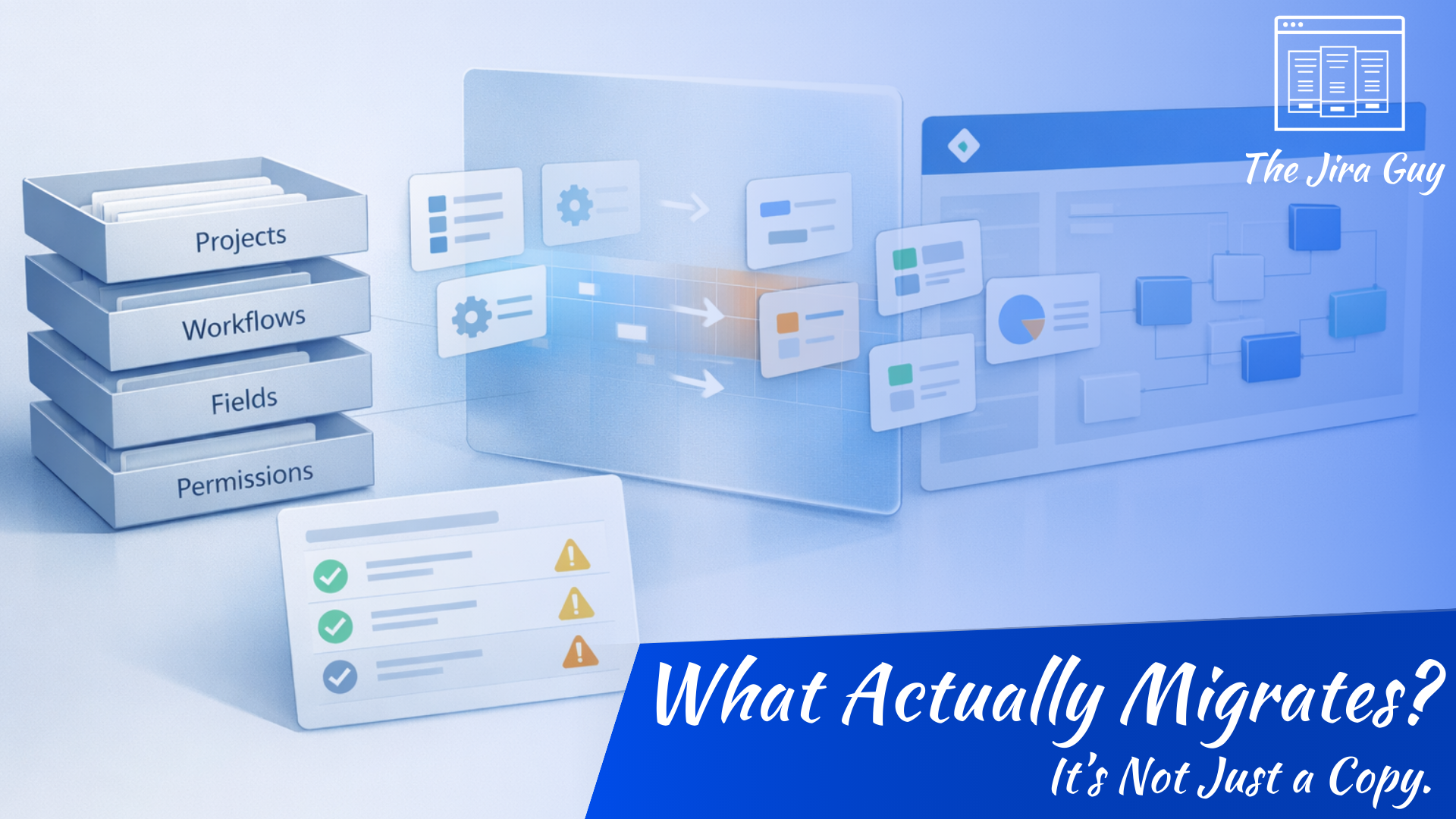
In the previous posts, we’ve been focused on preparation. Whether it was accepting that change is necessary, understanding what strategy to approach the migration, or assessing what we actually need to keep, and more importantly, replacing our assumptions with facts regarding how people are really using the tool, we haven’t actually done anything to put data physically into the Cloud Platform. This is our first time doing that.
Now we finally reach the moment many teams jump to first: Running the migration. Except, let’s hold back just a bit.
I know you are eager to jump in and make some actual progress, but first, we must understand the tool that moves your local data into the Atlassian Cloud Platform. This initial point of contact happens in the Jira Cloud Migration Assistant (JCMA), and people make their first assumption almost immediately, thinking it is just copying your data into Jira Cloud.
But here is the secret: It doesn’t copy – it interprets. And this subtle distinction can make all the difference in how your migration will progress.
The Most Dangerous Assumption: “It Will Just Copy Over”
So let’s dig down into this for just a moment. When someone hears the term “migration tool”, they imagine just that. Some process is literally moving issue by issue, object by object, config by config. I mean, why not? Jira Cloud and Jira Data Center both have “Jira” in their names, so why wouldn’t they have the same database schemas under the hood?
The difference here is Jira Cloud isn’t just a database frontend, or a single container “somewhere.” It is a fully realized Cloud System, composed of many microservices that interact in real time to present the website we understand to be Jira Cloud.
Because of that, even though we interact with the configuration in very similar ways, how it does all those things “under the hood” is different – some in subtle ways, some in devastating changes that leave in too many long nights for the Admins.
For example:
- Workflows may function but feel unfamiliar.
- Permissions may mostly match but produce different visibility.
- Fields may exist but appear in different contexts.
None of this means the migration failed. It just means the environments are not mirrors
This is what we mean by the migration assistant doesn’t copy – it interprets. It is taking your Jira Data Center instance as it exists now and making the best translation to produce a similar effect in Jira Cloud.
And translation always involves some aspect of interpretation – flaws and all.
What the Jira Cloud Migration Assistant Actually Does
So, what is the JCMA? At its core, the Jira Cloud Migration Assistant moves objects and relationships between systems. Projects, issues, comments, attachments, users, and groups — those are the things it handles reliably. As it moves these data objects across environments, the historical data is preserved fairly well. It will even let you do this on a subset of the data rather than the entire dataset.
One of the most important features, though, is not what it moves but how it moves: iterationally.
You are expected to run the tool multiple times. Each iteration, or “test run” as I’ll usually call them, you should take a look at what went well – and more importantly (and likely) what didn’t – and then adjust the configuration of JCMA, and run again. That is an intentional design choice for JCMA. The tool is built around learning test cycles.
Think of the first few runs not as a migration but as a diagnostic scan that happens to move data along the way.
What JCMA Does Not Do
For any tooling like JCMA, understanding what the tool does is useful. Understanding what it can’t do is essential.
- The migration assistant does not redesign workflows.
- It does not consolidate field schemes.
- It does not replace Marketplace apps.
- It does not determine whether a process is still meaningful.
- It does not fix permission architecture.
- It does not modernize automation logic.
Trust me, each one of these limitations will have you pulling out your hair at least once, but they exist for a very good reason: JCMA cannot read your mind.
If a workflow contains 12 statuses when 3 would suffice, the tool will still move all 12 statuses. If a field exists for a retired initiative, it will move that too. If automation rules depend on patterns that don’t behave the same in the Cloud, they will still migrate, then fail to work.
The migration assistant doesn’t try to figure out what you intended to do; it just preserves structure. That is both a blessing and a curse.
This is why migrations that skip earlier analysis feel chaotic afterward. The tool did its job perfectly — it transported everything exactly as configured. If you didn’t heed our advice in the previous post, well, bad data in, bad data out.
Reading the Assessment Report Without Panic
One thing you can consider to help “jump start” your test runs is to use JCMA’s Assessment report before you start the moves. And for many admins – especially those who have never used JCMA before, the may see the long list of warnings, notices, and required actions that appear on their Assessment report and just decide a migration is impossible.
Breathe in. Hold it a moment. Breathe out slowly.
The Assessment report isn’t a final verdict – it’s more a planning document. While a few of the work items have to be done before you can migrate, some don’t have to be done right now. Some are just informational, as a “just so you know…”
If your normal has been accumulating configurations, objects, and projects for years, it’s actually common to have a large number in your report. In that regard, it’s often more a sign of the complexity rather than a sign of how much trouble you’re in.
A useful way to understand the report is by categorization:
- What blocks movement entirely?
- What changes behavior?
- What only affects cleanup later?
Once sorted this way, the report stops being overwhelming and starts being actionable.
Its purpose is not to tell you your Jira is broken. It’s to show where translation between environments requires human decisions.
The First Migration Is Supposed to Be Imperfect
One thing I’d worry most about at this stage of their migration is keeping expectations clear. Your teams have been going through hoops, answering possibly uncomfortable questions and discussing what to expect from these migrations for weeks. Now that you are telling them that it’s finally time to move, it may be tempting for your users to think, “Finally, this is almost done.”
Unfortunately, unless they choose a Greenfield approach, it’s not likely to be a “One and Done” situation.
It will be on you as the admin to remind them that this first migration is a Test, and you shouldn’t view it as a final product – it’s a data point.
Think of it like this:
- First, you discover all the surprises – the things that you didn’t know you didn’t know.
- Second, you find the validations for those and test again. Depending on how insistent your surprises are, you may repeat this a few times.
- Third, you rehearse your timings, polish your communication, and make sure everyone is on the same page.
- And only then do you run your final migration.
Each iteration reduces uncertainty. Each pass teaches you how your instance behaves when translated to Atlassian Cloud. Each run refines your plan and your team’s part in it. You can skip these steps and jump right to the final run, but you’ll be doing so without a parachute – one can jump down safely from that, but only if you weren’t that high to begin with.
Where Migrations Actually Break
Many Jira Cloud migrations don’t derail because the migration tooling fails. They derail because the organizational factors.
Users expect identical behavior. Teams assume apps will act the same. Admins expect configuration meaning to carry forward automatically. All of these can be described as failures to manage expectations, but they can lead to chaos in an unmanaged migration.
The fact is, for most (granted, not all, but most) technical challenges, it’s rare to find a genuinely new and never-before-seen situation. And in most of those pre-existing situations, there is also a pre-existing solution. It may not be pleasant, but it exists.
That means most (again, not all, but most) technical challenges are not beyond solving, and the real problems tend to be those arising from people not getting the message about what a Jira Cloud actually means, or misunderstanding how the changes will actually impact how they work.
This is why earlier steps in the series mattered. If your strategy and analysis weren’t prepared for the tool, they were prepared instead for people encountering the tool’s outcome.
Preparing Before the First Run
Before running the migration assistant, a small amount of preparation dramatically improves the usefulness of its output. This is kind of expanding on our post last week, but I feel it’s worth repeating it.
Cleaning obvious clutter helps the report highlight meaningful issues rather than noise. Archiving unused projects prevents irrelevant findings. Reviewing user directories avoids identity confusion later. In other words, anything you can clean up now, you don’t have to worry about later.
Equally important is organizational preparation. Stakeholders should understand that differences in behavior are expected. That means you’re likely going to have to use your teacher hat for a bit. Pilot teams should be identified early. They will hopefully help you identify problems in the testing series before they can impact too many people. The goal should be learning, not immediate adoption. Each test run should be teaching you to understand how your specific instance interacts with JCMA and Jira Cloud.
Wrapping Up
At this point in the series, we’ve built a deliberate progression.
We accepted that change is coming.
We chose to approach it intentionally instead of reactively.
We learned what we actually have.
And now we’ve seen how that reality behaves when it meets the migration tool.
We’ve reframed the Jira Cloud Migration Assistant from a magic “copy button” into what it really is: a translation layer. It doesn’t fix your configuration. It doesn’t redesign your workflows. It simply moves what exists — faithfully, flaws and all — into an environment that behaves differently under the hood.
And that understanding matters.
Because once you realize the first migration run is a test, not a finish line, everything changes. The assessment report becomes guidance instead of judgment. Multiple runs become refinement instead of failure. Surprises become data instead of disasters.
But you’re right — we’ve talked about thinking, planning, interpreting, and preparing for long enough.
We haven’t actually pushed the button yet.
So next week, we’re going to do exactly that. I’m going to dust off an old Data Center instance, fire up the Jira Cloud Migration Assistant, and walk through it step by step — screen by screen, button by button — so you can see what the process actually looks like in practice. No theory. No metaphors. Just the mechanics.
I’m unreasonably excited about this… even if I’m slightly less excited about how many outdated upgrades I’m going to have to install first.
But, that is the life of a Jira Guy. This is Rodney, asking, “Have you updated your Jira Issues today?”

 The Jira Guy