
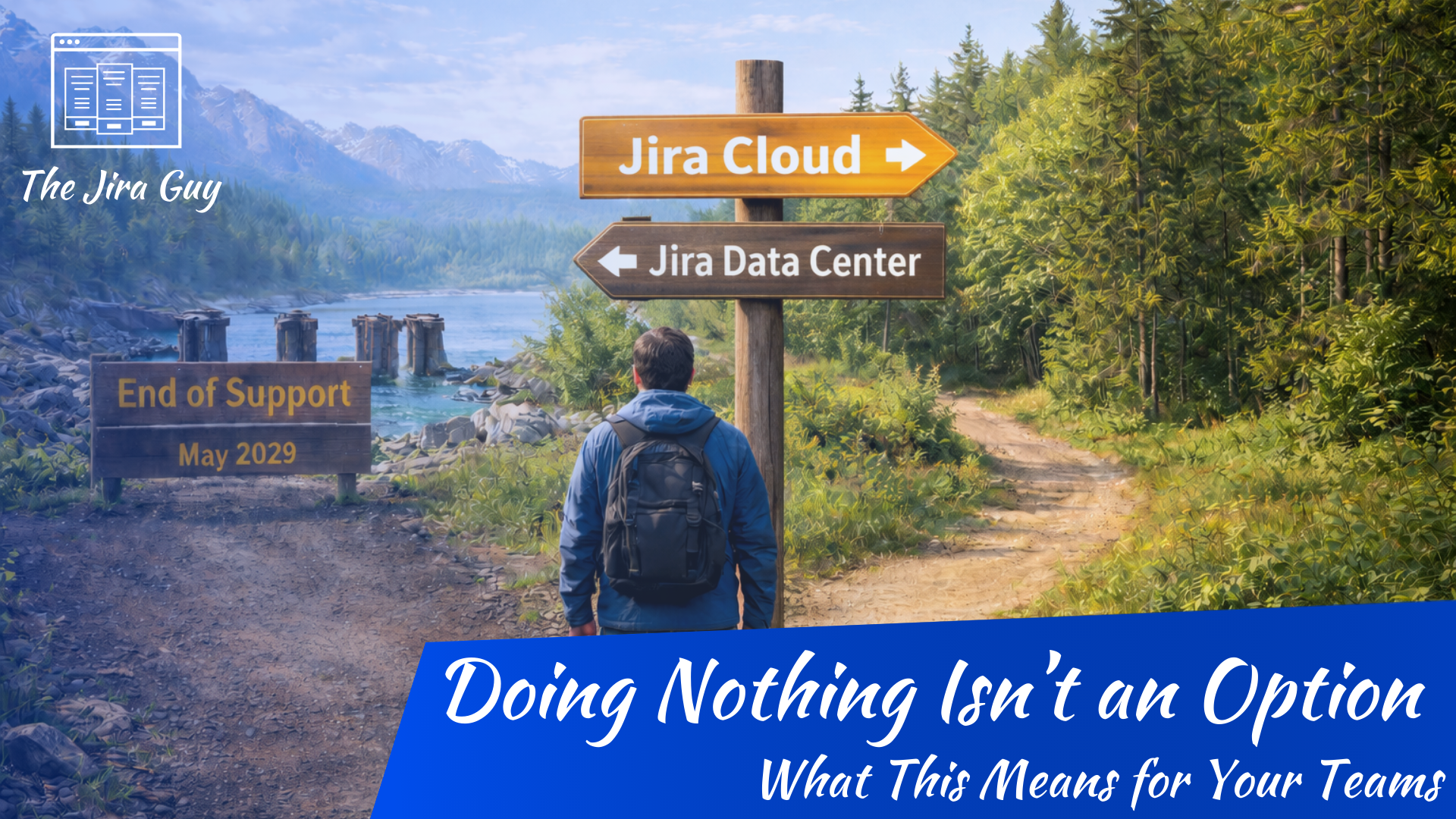
Let’s get the uncomfortable part out of the way first: Atlassian has announced that Jira Data Center reaches end of life in March 2029. That’s a real date, it’s not theoretical, and whether you’re thrilled about it or deeply annoyed by it (and you can guess which camp I’m in), it changes the conversation. For a lot of us, Jira Data Center wasn’t just “good enough” — it was exactly what we needed: control, predictability, and the ability to shape Jira to our organization instead of the other way around. Losing that option is disappointing. But here we are.
So rather than pretending this is exciting news or framing it as some magical upgrade story, let’s be honest: this kind of sucks. And once we acknowledge that, we can move on to the more important question: how do we chart a path forward for our instances, our teams, and the people who rely on Jira every day to get work done?
Atlassian’s direction has been clear for years. Jira Cloud is where ongoing investment, new features, and long-term support live. The only thing that has changed is that Data Center now has a defined sunset. That means every organization running DC today is no longer deciding if they’ll need to move, but when and how. The real work isn’t clicking a migration button — it’s deciding what this move should look like, how much of the current system is worth carrying forward, and how to minimize disruption for the humans on the other side of the tool.
TThis is the first post in a series of articles that isn’t about selling you on Cloud. It’s about grounding the reality we’re in, understanding why this migration matters now, and setting expectations for what comes next — so you can make deliberate choices instead of reactive ones.
Migration Isn’t “Lift and Shift” — It’s a Transformation
If your knee-jerk instinct is “We’re just going to lift our current instance and drop it into Cloud,” slow down. That’s a trap — and most migrations that fail do so because teams treated it that way.
When you migrate from DC to Cloud, the data and configurations may move, but the ecosystem around them changes:
- Apps behave differently (or don’t exist in the same form)
- Automation has different limits and engines (Cloud automation vs. DC automation)
- Integrations and APIs can change behavior
- Permissions or custom schemes might map differently
This isn’t documented as often as the checklist items, but you’ll feel it in user impact and ticket volume post-migration if you don’t plan for it.
Core Benefits of Going Cloud — But With Trade-Offs
Let’s be practical. Cloud has real advantages. There is a reason I’ve been using Atlassian Cloud to manage things lately and am becoming certified in Administering Atlassian Cloud tools. But I’ll also be the first to admit that there are real trade-offs you should understand.
What You Gain with Cloud
Managed infrastructure
No servers to patch, backups to schedule, or OS upgrades to manage. Atlassian handles it. That alone frees up significant admin work. Don’t get me wrong, there are times this is as much something you Lose as something you Gain. Every time there’s an issue with Cloud, and I’m thinking, “If this were my hardware, it’d be fixed already”, I feel this. But I’m a sysadmin by training, so that is in my nature. For colleagues like Alex Ortiz, this is very much a Win.
Automatic updates and features
Cloud customers get new features and bug fixes faster. You don’t need a maintenance window to stay current. That means teams can innovate faster — but it also means you can’t test upgrades before they land in production like you could in DC. That’s a recurring theme: Cloud means less control, more velocity.
Scalability and global access
Do you know one of the biggest gripes I’ve heard as a Jira Admin during my tenure? If you were in a remote office halfway around the world from your Jira instance’s hosting location, the latency just to access your tools would significantly reduce productivity. We’ve had band-aids like CDN usage to help, but let’s be frank, it is a band-aid at best. With Cloud, users across geographies can access your Jira and connect to other Atlassian Cloud apps, without you having to worry about network tunnels, load balancing, or federation.
New features and ecosystem enhancements
Features such as Rovo, CSM, and deeper integrations within the Atlassian ecosystem are rolling out in Cloud first, and more broadly than in DC. That’s not random — that’s strategic. Assuming you are on the right tier, you get access to tools like Rovo that can help your teams be more productive. Whiteboards for Confluence can replace workflows currently handled in disparate tools. Sandboxes make it much easier to stand up and maintain a non-production Test environment. All these are features that aren’t even a consideration for Data Center.
What You Lose (or Have to Adjust To)
Control over upgrades
In DC, you could postpone an upgrade (within reason), test against your custom scripts and specific use case, and schedule downtime. Cloud updates follow Atlassian’s cadence. You can delay slightly, but you don’t get a staging mechanism as robust as a DC test environment. That can be jarring for teams with strict compliance or uptime SLAs.
Some app parity gaps
A big one. Your favorite DC apps may not map 1:1 in Cloud. Some vendors have Cloud editions, some don’t. Even when there is a Cloud version, the feature set might differ. You need a compatibility strategy, not just a list of apps. (Later posts will drill into this.)
Architecture differences
Cloud is multi-tenant, abstracted, and standardized. Some DC capabilities like database access, direct JVM tuning, or certain plugins’ low-level hooks simply aren’t possible in Cloud.
What Atlassian Actually Provides to Help You Migrate
For the longest time, my feedback to Atlassian is clear: “You want people to use Cloud? You have to make the transition less painful.” When Server reached end of life, Atlassian made the upgrade process so painless that all you had to do was enter the new license keys. Don’t get me wrong, getting those new license keys was still financially painful, but once you got past that, the process was painless.
I didn’t expect Atlassian to actually listen, though. Even on here and The Jira Life, it feels like we are shouting into the void sometimes. But Atlassian finally addressed the migration process.
Their answer to the migration challenge is the Jira Cloud Migration Assistant (JCMA) — a free tool you install in recent versions of Jira Data Center that guides the migration of selected data, including projects, users, groups, attachments, and more.
You can choose what to migrate and when. It doesn’t overwrite existing Cloud data — it adds to it, which gives you flexibility for phased strategies.
That said, JCMA isn’t a silver bullet. It won’t automatically resolve every app dependency, dedupe workflows for Cloud compliance, or rewrite automation logic. And on particularly large migrations, it can become overwhelmed. Those parts require planning, testing, and human intervention. Think of the tool as an enabler, not an end state. It will still be your responsibility as the Admin to conduct the analysis, change management, and perform the cleanup required for a successful migration.
Migration Is About Choice, Not Just Execution
Two large misconceptions I constantly see:
1) Migration is a technical project
It’s not. It’s a business process. You’re changing how work gets tracked company-wide. That means stakeholders — product owners, engineering leads, service managers, PMOs — need to be at the table early. If you have struggled with change management, this is a chance for you to “get gud.”
2) Migration means “parity.”
Cloning exactly what you had in DC into Cloud is rarely the goal. What most successful migrations do is reimagine processes to fit Cloud’s strengths — simpler workflows, modern automation, consolidated apps, and faster integrations.
This shift is both exciting and uncomfortable. If you treat it like upgrading a server, you’ll be in for long nights and LOTS of upset users.
Planning Ahead: Expectations for Your Org
Here are a few things that will help you set expectations before kickoff:
1) Define your success criteria up front
Is success:
- Zero user impact during cut-over?
- Same feature set in Cloud?
- A phased adoption with testing windows?
Whatever it is, write it down and align with stakeholders.
2) Prepare for a staged migration
You can do a big bang, but most teams do better with:
- A sandbox trial migration
- A test migration with power users
- Phased project migrations
Because JCMA lets you choose what to bring over, you can iterate. So don’t try to do it all at once. Start with a set of teams that trusts you. Do the hard work to clean them up as close to a “golden” state as possible. Migrate them over. Let them become both your success stories and your Cloud evangelists. You may even consider a “Greenfield” approach with them, where they don’t bring any baggage; they start fresh and get the *purest* Cloud experience possible.
3) Inventory apps, workflows, and automation
This isn’t busywork — it’s risk mitigation. Know what you’re bringing over and what might break. Later posts will dig into app compatibility, automation strategies, and what the tooling can tell you going into a migration. This step is a pure distillation of the sage advice “An ounce of prevention is worth a pound of cure.”
4) Communication matters
Teams will notice differences. Not just functional, but UI/UX, performance, and behavior. Clear communication about timelines, changes, and training is part of the migration effort. You may need to consider training on the differences and how to navigate a Cloud instance. Don’t assume that just because it’s Jira, your teams will figure it out, though.
Why Migrations Actually Fail (Spoiler: It’s Not the Data)
People think migrations fail because of:
- Corrupt attachments
- Broken user mappings
- App incompatibilities
Those are real issues. But the failures that are hardest to recover from are unexpected user resistance and unanticipated functional differences. Users will be so fixated on replicating how they’ve been working that they’ll resist the changes you need to make for Cloud to work.
Honestly, this is such a problem that there are times I want to put “The most dangerous sentence in English is ‘But that’s how we’ve always done things.” on the board during training.
You bring over 400 projects, but only 100 people know how to use them. Or workflows behave differently because Cloud automation handles statuses differently from DC. Those are the challenges that happen post-go-live — and those are the ones that blow up timelines.
That’s why this series isn’t just about how to move data — it’s about how to think about the move so it doesn’t feel like a disaster.
Wrapping Up: This Is About Stewardship, Not Just Migration
I’ll leave you with this: moving from Jira Data Center to Cloud isn’t a box you check or a project you “complete.” It’s a shift in how you steward the systems your teams depend on. It forces you to take a hard look at what you’ve built over the years, what still serves the business, and what only exists because “that’s how we’ve always done it.”
Cloud provides powerful capabilities and reduces infrastructure burden. It also removes a level of control many of us were comfortable with and replaces it with opinionated defaults, guardrails, and constraints. That trade-off isn’t inherently good or bad — but it does require a different mindset. One that’s less about perfect parity and more about intentional design.
The reality is that March 2029 is coming whether we like it or not. What is in our control is whether this becomes a rushed, reactive scramble at the end of the runway, or a deliberate, thoughtful transition that leaves our teams better off than they were before. As admins, this is one of those moments where our role shifts from “system caretaker” to “change leader,” whether we asked for that responsibility or not.
Over the next posts, we’ll get into the practical details — strategy, tooling, apps, automation, and optimization — but this first step is about framing the journey correctly. Not as something to dread or rush through, but as an opportunity to clean house, simplify where it makes sense, and build a Jira environment that’s ready for the next several years instead of clinging to the last several.
We’re here now. Let’s make the most of it.
But until next week, this is Rodney, asking, “Have you updated your Jira Issues* today?”
* No, really, even if they are work items now, they’ll always be issues in my heart.

 The Jira Guy