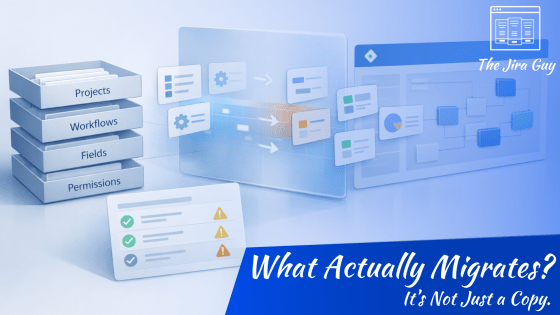
Before We Migrate: Understanding the Impacts of Jira Cloud Migration Assistant

Most Jira migrations don’t go sideways because the tool fails.

They go sideways because expectations were wrong.

There’s a persistent assumption that the Jira Cloud Migration Assistant simply copies your instance from Data Center into Cloud. Same structure. Same behavior. Different hosting model.

But that’s not what happens.

JCMA translates. And translation always involves interpretation.

Workflows may look similar but behave differently. Permissions may map correctly but feel different to users. Fields may exist but show up in unexpected contexts. None of that means the migration failed — it means the environments aren’t mirrors.

In this week’s article, I break down what the migration assistant actually does, what it absolutely does not do, and why your first migration run should be treated as a diagnostic exercise — not a finish line.

If you’re planning a move to Cloud, understanding this distinction changes everything.
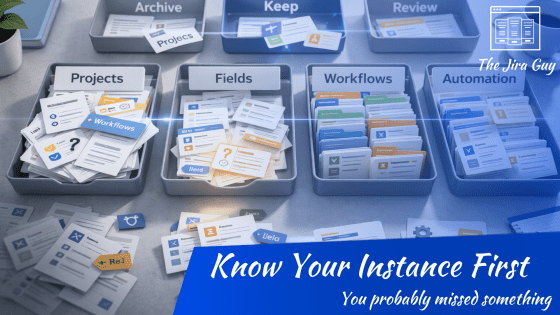
Before You Migrate Anything: Understand What Jira Is Really Being Used For

Most Jira migrations don’t struggle because the data won’t move.
They struggle because nobody stopped to ask what the data actually means first.

Every admin thinks they know their instance. And honestly, they probably know it better than anyone else in the company. But knowing how Jira is configured isn’t the same as knowing how it’s really being used. Old projects stick around. Fields collect dust. Workflows solve problems nobody remembers having. Then the day you move to Cloud, all of that becomes real again — in front of users who now assume you intended it.

Before choosing tools, timelines, or even strategy, there’s a much simpler (and much harder) step: figuring out what matters and what just survived long enough to look important.

This week’s article is about replacing assumptions with evidence — and why that changes the entire migration conversation.